







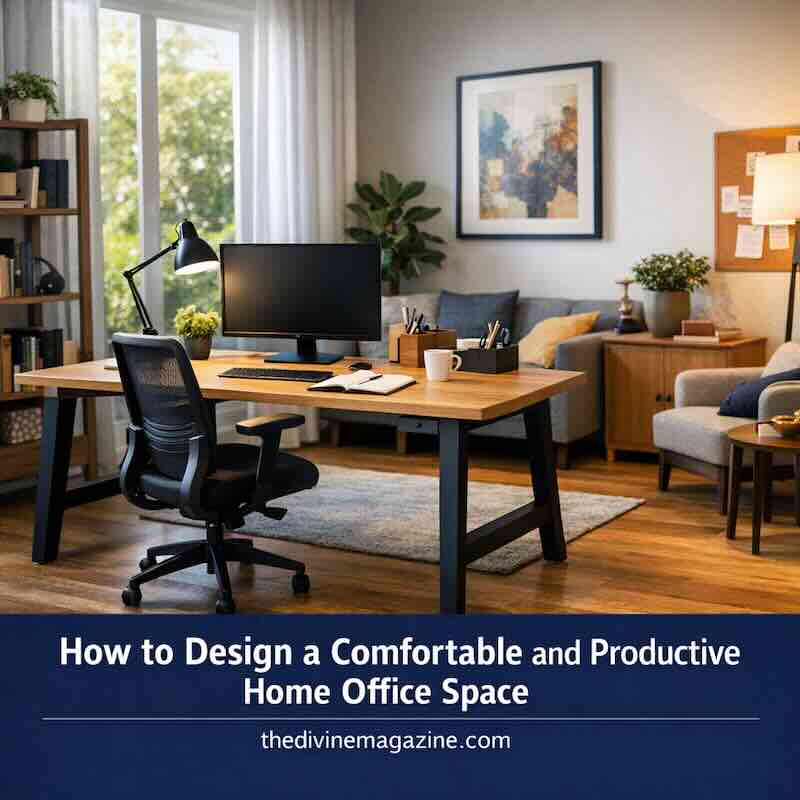

Whether you’re a full-time remote professional or a hybrid worker tackling evening tasks, a well-designed home office is the backbone of your daily performance. In 2026, the trend has shifted away from “corporate cubicles at home” toward high-end, personalized sanctuaries that blend deep-work functionality with residential comfort. Here is how to build a workspace that inspires your best results.
- Strategic Space and Location
- Balancing Aesthetics with Professional Function
- The 2026 Ergonomic Standard
- Smart Storage and Clutter Control
- Hosting and Professional Presentation
- Lighting and Circadian Alignment
- Invisible Cable Management
- Conclusion
- The 2026 Home Office Essential Equipment Checklist
- Frequently Asked Questions
Strategic Space and Location
A cramped corner or a windowless closet is a recipe for burnout. For maximum focus, choose a location with ample natural light and physical separation from high-traffic areas. If your role involves frequent video calls or hosting local clients, privacy is non-negotiable. Avoid the most frequent pitfalls by reviewing this guide on home office mistakes to avoid.
Balancing Aesthetics with Professional Function
Your office should feel like a natural extension of your home, not a sterile annex. Choose furniture that reflects your personal style while meeting professional demands. Mixing textures—like a sleek tech setup paired with shabby chic furniture elements—can create a “warm professional” vibe that keeps you relaxed yet alert.
The 2026 Ergonomic Standard
In 2026, ergonomics is about more than just a chair; it’s about movement. Invest in a high-quality sit-stand desk that allows you to transition throughout the day. Pair it with a high-performance ergonomic chair that supports the natural curve of your spine. Your physical health is your greatest productivity asset—don’t compromise on your primary seat.
Smart Storage and Clutter Control
Physical clutter leads to mental fog. Use a combination of open shelving for inspiration and closed cabinetry for sensitive files and hardware. By keeping your desktop clear of everything except your immediate task, you lower your cognitive load and improve your ability to enter a “flow state.”
Hosting and Professional Presentation
If you host in-person consultations, your office is your brand’s first impression. Create a small lounge or waiting area with comfortable guest seating. For displaying portfolios or marketing materials, utilize professional display stands to keep your presentation sharp and organized. If space is tight, even a pair of high-quality accent chairs across from your desk can suffice for casual meetings.
Lighting and Circadian Alignment
Natural light is the ultimate mood booster. Position your desk perpendicular to windows to maximize the view without creating screen glare. For evening work, use smart lighting that adjusts its color temperature—warmer tones in the evening and cooler, blue-spectrum light during the day—to keep your internal clock in sync.
Invisible Cable Management
Visible wires are the fastest way to ruin a beautiful room design. Use wireless peripherals where possible and utilize desktop grommets to route power cables out of sight. Under-desk cable trays and floor-cord winders can keep your walkway clear and your aesthetic seamless.
Conclusion
A truly effective home office is a space where you feel both empowered and at ease. By prioritizing natural light, investing in movement-based furniture, and maintaining a clutter-free environment, you’ll create a 2026 workspace that fuels your ambition and protects your well-being.
The 2026 Home Office Essential Equipment Checklist
To build a workspace that truly supports a high-performance lifestyle, you need more than just a surface and a chair. Here is the definitive gear list for a modern, professional setup.
| Category | Essential Gear | Why It Matters |
|---|---|---|
| Core Furniture | Dual-Motor Sit-Stand Desk | Allows for seamless transitions between sitting and standing to boost circulation. |
| Ergonomics | High-Back Mesh or Leather Ergonomic Chair | Provides lumbar support and breathability for 8+ hours of comfort. |
| Visuals | Ultrawide 4K Monitor (34″+) | Replaces messy dual-monitor setups with a single, seamless workspace for multitasking. |
| Video/Audio | 4K AI-Tracking Webcam & Noise-Canceling Mic | Ensures you look and sound professional, even if there is background noise at home. |
| Lighting | Smart Desk Lamp with Circadian Syncing | Automatically adjusts color temperature to match the time of day, reducing eye strain. |
| Cable Mgmt | Under-Desk Power Strip & Cable Trays | Keeps the floor clear and the visual aesthetic clean and distraction-free. |
| Productivity | Wireless Mechanical Keyboard & Multi-Device Mouse | Offers tactile feedback and the ability to switch between your laptop and tablet instantly. |
Bonus: The 2026 “Bio-Hacking” Add-ons
- Under-Desk Treadmill or Pedal: For staying active during low-intensity meetings.
- Desktop Air Purifier: Essential for maintaining air quality in smaller rooms.
- Smart Mug/Warmer: Keeps your coffee at the exact temperature you prefer all morning.
By checking off these essentials, you ensure your office isn’t just a place where you “work,” but a command center where you thrive.
Frequently Asked Questions
What is the most important factor in a home office?
Lighting and ergonomics. Without a comfortable chair and proper light, productivity will inevitably drop over long periods.
How do I soundproof my office for video calls?
Use soft furnishings like rugs, heavy curtains, and acoustic wall panels to absorb echoes and block out household noise.
Is a standing desk worth it in 2026?
Yes. The ability to switch positions reduces fatigue and helps maintain focus throughout an eight-hour workday.
How can I maximize a small office space?
Think vertically. Use wall-mounted shelves and foldable furniture to keep the floor area open and the room feeling airy.