






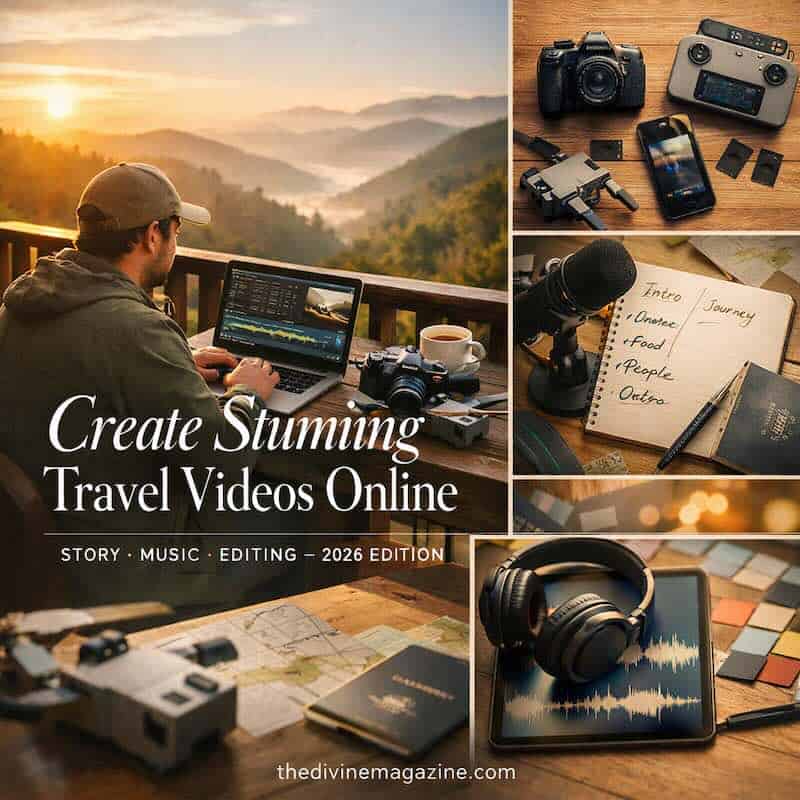
The best part about traveling is sharing your story — visually, emotionally, and creatively. In 2026, travel video creation has become one of the most powerful ways to connect with audiences worldwide. Whether you’re documenting a solo journey or a cultural adventure, your visuals tell a story that transcends borders.
As a traveling video creator, you already know how vital it is to have a great camera. You might own multiple cameras or even a drone for those breathtaking aerial shots. But beyond capturing footage, you need a powerful video editing tool to bring your story to life.
A professional video editor is the cherry on top — it lets you shape your footage, refine transitions, and infuse cinematic polish. Without it, even stunning visuals can fall flat. In 2026, audiences expect high-quality editing, dynamic storytelling, and emotional resonance.
How to Create Great Travelling Videos Using Online Video Editor
Even if you’re new to editing, you can still produce captivating travel videos. With practice and the right tools, your content can stand out across platforms like YouTube, Instagram, and TikTok. Here are five essential steps to elevate your travel video game.
- Find the purpose of your travelogue video.
Every great video starts with intent. Define what you want to communicate — is it adventure, culture, food, or personal growth? Introduce your destination, your companions, and your motivation. Viewers connect with authenticity and purpose. As Travel + Leisure notes, storytelling transforms simple footage into emotional journeys.
- Don’t just focus on scenes.
Beautiful drone shots and time-lapses are visually stunning, but they need narrative context. Combine visuals with emotion — show challenges, laughter, and local interactions. Storytelling keeps viewers engaged beyond aesthetics. YouTube Creators recommends structuring videos with a clear beginning, middle, and end to maintain audience retention.
- Narrate like you’re the center of the universe.
Your voice is your signature. Narration adds personality and emotional depth. Speak with enthusiasm, clarity, and authenticity. Share insights, humor, and reflections — make viewers feel like they’re traveling with you. For inspiration, watch David Dobrik or Casey Neistat, who master the art of storytelling through voice and visuals.
- Don’t forget the music.
Music sets the emotional tone of your video. It fills silence, enhances transitions, and amplifies mood. Choose tracks that complement your visuals — upbeat for adventure, ambient for reflection. Avoid copyrighted music; use royalty-free sources like SoundCloud or Epidemic Sound. As Adobe Creative Cloud suggests, syncing rhythm with cuts creates cinematic flow.
- Invest in an online video editor.
In 2026, cloud-based editing is the norm. Using an online video editor lets you collaborate, store, and edit seamlessly across devices. You can add effects, titles, and corrections without worrying about local storage limits.
Platforms like FlexClip and Adobe Premiere Rush offer templates, transitions, and AI-assisted editing tools that simplify production while maintaining professional quality.
Conclusion
Travel videos in 2026 are more than visual diaries — they’re immersive experiences. With the right tools, storytelling, and editing finesse, you can transform raw footage into cinematic journeys that inspire and connect. Whether you’re a beginner or a seasoned creator, mastering narrative flow and technical polish will elevate your content and grow your audience.
FAQ: Travel Video Creation (2026)
1. What’s the best camera for travel videos in 2026?
Mirrorless cameras like the Sony A7 IV or Canon R6 II offer excellent portability and 4K quality. Drones like DJI Air 3 are ideal for aerial shots.
2. Which online video editor is best for beginners?
Tools like InVideo and FlexClip provide templates and drag‑and‑drop interfaces perfect for new creators.
3. How long should a travel video be?
Keep videos between 5–10 minutes for YouTube and under 60 seconds for social platforms. Focus on storytelling, not duration.
4. How do I choose background music?
Use royalty‑free tracks that match your video’s tone. Check Epidemic Sound or SoundCloud for curated playlists.
5. How can I make my videos stand out?
Focus on storytelling, pacing, and emotion. Combine cinematic visuals with authentic narration and creative editing techniques.