






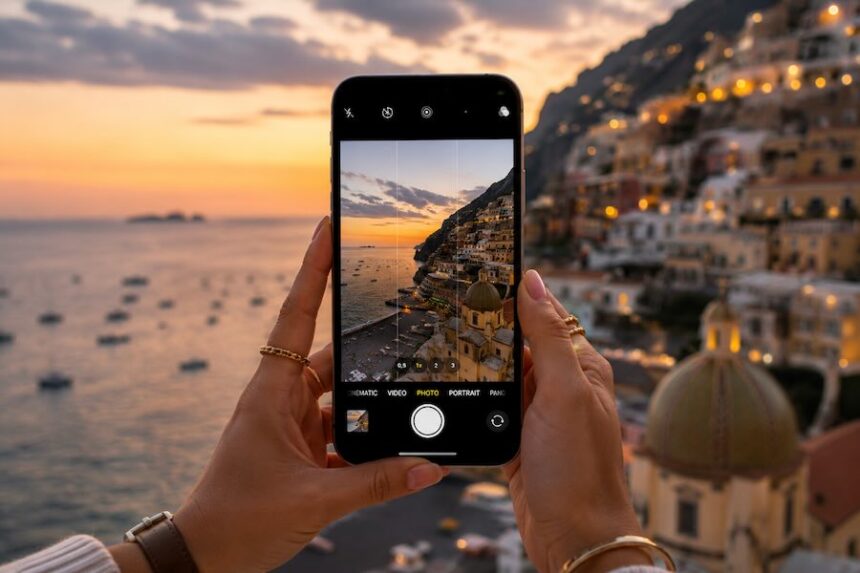
The best camera is often the one already in your hand. In 2026, smartphone photography has matured into a serious creative medium, combining increasingly capable camera hardware with computational processing, manual controls and editing apps that can turn a quick frame into something polished enough for a portfolio or social feed.
- Start With Better Light
- Clean Your Camera Lens First
- Use the Grid, Then Decide Whether to Ignore It
- Look for Natural Frames and Leading Lines
- Choose Your Lens Carefully
- Give Portraits Some Movement
- Tap to Focus and Control Exposure
- Keep Night Photography Steady
- Edit for Consistency, Not Maximum Effect
- Keep Skin and Texture Natural
- Build a Repeatable Mobile Photography Workflow
- Conclusion
- FAQ
Still, technology only takes an image so far. Light, composition, timing and restraint remain more important than specifications. Add a considered editing workflow using tools such as Lightroom Mobile or 123Presets.store presets, and an ordinary phone can become a remarkably flexible everyday camera.
Start With Better Light
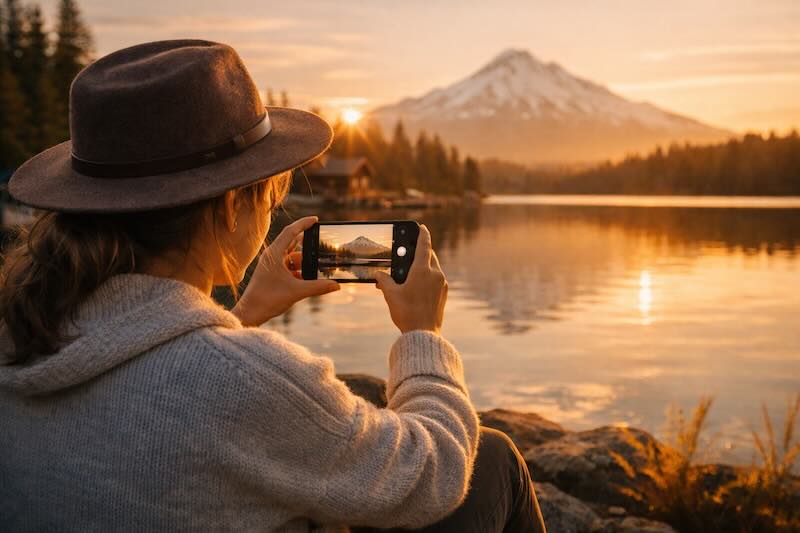
Smartphone cameras have become much better at balancing bright skies, deep shadows and low-light scenes, but good light still changes everything. Soft daylight gives skin texture, fabrics and interiors a cleaner appearance before you touch an editing slider.
Look for open shade outdoors, the diffused light of an overcast afternoon or a position beside a large window indoors. If you want to understand why this works so well, our guide to using natural light explores how daylight changes the atmosphere of a space.
Direct midday sunlight can still work when you want sharp shadows and graphic contrast. For softer portraits, however, moving a few metres into shade is often more effective than trying to repair harsh highlights later.
Clean Your Camera Lens First
It sounds almost too simple, yet it is one of the easiest ways to improve a mobile photograph. Phones spend their lives in hands, pockets and bags, leaving fingerprints and fine dust across the camera glass.
Before an important photograph, gently wipe the lens with a clean microfiber cloth. A clear lens can improve contrast and reduce the hazy glow that becomes particularly obvious around lights at night.
Use the Grid, Then Decide Whether to Ignore It
Composition is where a technically sharp photograph becomes an intentional one. Turn on your phone’s camera grid and use it as a quiet reference rather than a rigid instruction.
Placing a person near one of the intersections can create breathing room around the subject. Landscapes often become stronger when the horizon sits away from the centre. Meanwhile, a perfectly centered composition can feel powerful when photographing architecture, corridors, staircases or symmetrical interiors.
Look for Natural Frames and Leading Lines
Doorways, windows, mirrors, arches and foliage can form a frame around the subject without adding anything artificial to the scene. Roads, walls, shadows and architectural lines can perform a similar job by drawing the eye through the photograph.
Try moving rather than immediately reaching for digital zoom. A few steps left, right, forward or backward can completely change the geometry of an image.
Choose Your Lens Carefully
Modern smartphones frequently provide several focal-length options, but each creates a different feeling. An ultra-wide camera can make architecture and landscapes expansive, while a longer focal length can produce a calmer perspective for portraits and details.
Be especially careful with ultra-wide lenses when photographing people close to the edge of the frame. Perspective distortion can stretch faces and limbs. Sometimes that distortion is exactly what makes an image interesting; other times, stepping back and switching lenses produces the more natural result.
Give Portraits Some Movement
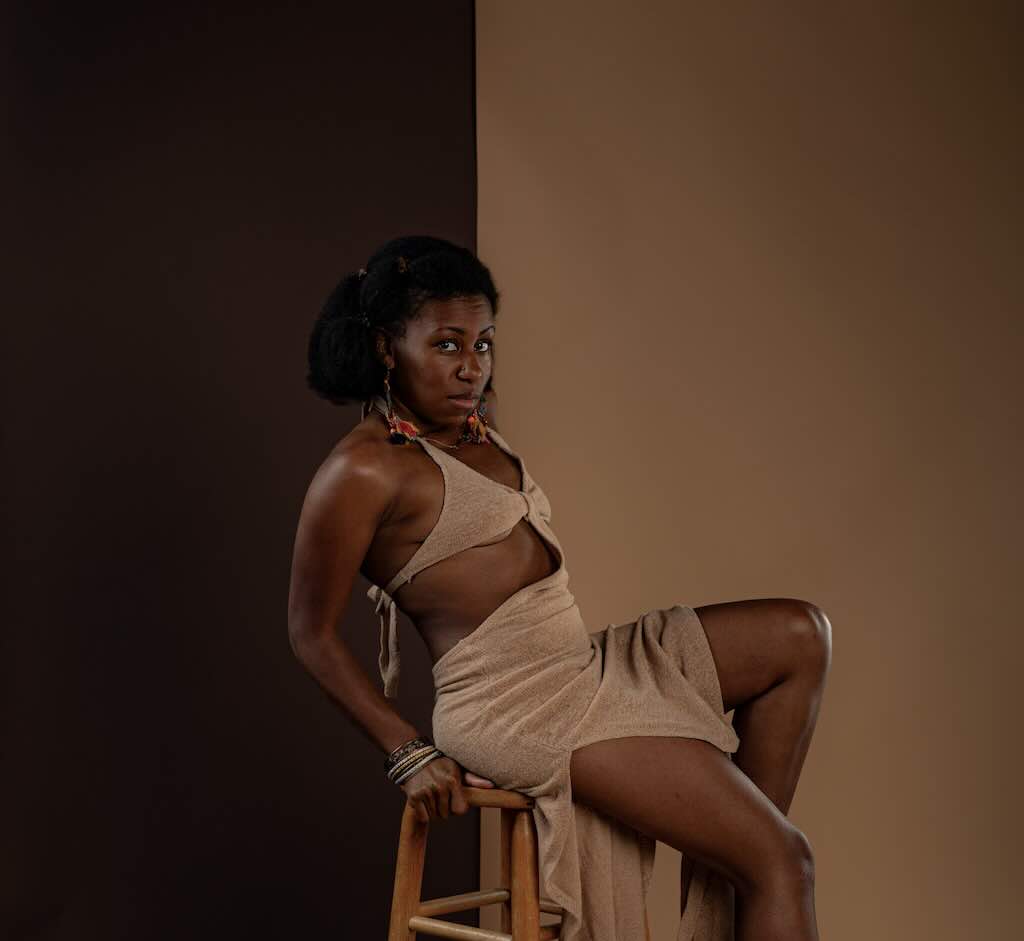
A portrait does not always need a formal pose. Walking through the frame, adjusting a jacket, touching your hair, turning toward a window or interacting with the surroundings can create a photograph that feels less staged.
Small movements also give the photographer something to observe. Instead of waiting for one perfect pose, shoot several frames as the subject moves naturally and select the moment where posture, expression and light meet.
Tap to Focus and Control Exposure
Automatic camera modes are convenient, but they do not always understand which part of the scene matters most. Tap the primary subject to establish focus, then adjust exposure when your camera app provides the option.
Slightly reducing exposure can be useful when photographing bright windows, sunsets, stage lighting or reflective surfaces. Preserving highlight detail gives you more flexibility when editing later.
Keep Night Photography Steady
Low-light photography benefits enormously from stability. Hold the phone with both hands, lean against a wall or place it on a stable surface when possible. A small tripod can be useful for cityscapes, interiors and longer night exposures.
Night modes can combine information from multiple exposures, so keeping the camera still while the capture completes can produce a noticeably cleaner result. Resist the temptation to move the phone the instant you press the shutter.
Edit for Consistency, Not Maximum Effect
Editing works best when it supports the photograph rather than announcing itself. Start with exposure, highlights, shadows, white balance and crop before reaching for heavier effects.
Presets can speed up that process. Collections from 123Presets.store, for example, provide starting points for different color palettes and moods. Apply the preset, then adjust its effect to suit the individual photograph rather than assuming one setting will work identically across every image.
Keep Skin and Texture Natural
One of the easiest signs of excessive mobile editing is lost texture. Heavy sharpening, aggressive clarity and strong skin smoothing can quickly make a portrait feel artificial.
A lighter touch usually ages better. Keep some texture in skin, fabric, stone and wood. Let shadows remain shadows. A photograph can be clean without becoming clinically perfect.
Build a Repeatable Mobile Photography Workflow
The most useful photography routine is one you can repeat. Clean the lens. Check the light. Choose the focal length. Compose deliberately. Focus on the subject. Capture several variations, then edit only the strongest frames.
This approach is particularly useful while travelling, when there is rarely time to construct an elaborate setup. The same principle applies when photographing hotels, restaurants, streets and landscapes: observe first, then shoot. Our guide on getting more from a hotel stay in Dubai is a useful reminder of how much visual material can exist within a single destination.
Conclusion
Mobile photography in 2026 is less about proving that a smartphone can replace another kind of camera and more about using the tool intelligently. A phone is small, immediate and almost always nearby. That freedom matters.
Learn to notice window light, reflections, negative space and the few seconds when an expression feels natural. Use computational features when they help. Edit with restraint. The technology can handle much of the technical work now, leaving you to concentrate on the part that still belongs to the photographer: deciding what is worth putting inside the frame.
FAQ
Can smartphone photos look professional?
Yes. Strong lighting, careful composition, appropriate focal-length choices and restrained editing can produce polished smartphone photographs suitable for websites, social media and many editorial applications.
Should I use digital zoom when taking mobile photos?
Use it selectively. When possible, move closer to the subject or switch between your phone’s available camera lenses rather than relying heavily on digital magnification.
Are mobile photography presets worth using?
Presets can provide a fast and consistent starting point, particularly when editing a collection of images. They usually work best when exposure, white balance and intensity are adjusted for each photograph afterward.
What is the easiest way to improve smartphone photos?
Start with light. Photograph in soft daylight, keep the lens clean and pay attention to the background before pressing the shutter. These small decisions often make a larger difference than aggressive editing.
How can I make mobile portraits look more natural?
Give the subject something to do. Walking, turning, adjusting clothing or interacting with the environment can create more relaxed expressions and body language than holding a fixed pose.